Being “back”: Reflecting on the return to in-person work
I had the privilege to spend most of the pandemic working remotely — something I know was not afforded to all of my LIS colleagues. At my institution, for more than a year, the majority of classes were online, and therefore, I had to adapt to teaching on Zoom, like many others. But now, that era has ended for me, and I’m in the middle of my first semester “back,” as many on my campus are saying, in the physical library, office, and classroom.
In some ways, it’s felt like when I started my first job — prior to July, it’s the longest stretch I’ve been “out” of the classroom since I became a professional librarian in 2014. In other ways, it’s seemed like nothing changed, and we never left — aside from the masking.
Students seem happy to be back, and I am too, though there are small things I miss, like being able to drop a link in chat so that I can quickly get everyone to the same starting point or resource. But when I remember the challenges of group activities and other active learning exercises in a remote environment, I’m glad to be a the front of the classroom.
I’ve also returned to an in-person reference desk shift. I did a lot of virtual reference before the pandemic, so that was not a big change for me. I was apprehensive about starting back on the desk, but students have been eager for in-person help and respectful of COVID safety guidelines. A few weeks ago, I accidentally scheduled myself for a chat reference AND in-person reference shift during the same hour. I ended up chatting with a student who was upstairs in my library and struggling to find books in the children’s section (boy, those tiny labels are hard for even the experts among us to read!). While I was happy to help her online, I knew this problem was going to be best solved by being in person. I convinced her to wait until my desk shift ended, and we searched for the books together on the third floor. Interactions like this make me glad I’m back, though I’m still wary sometimes of the health risks that we can’t mitigate.
I’ve spoken with others about things we will “keep” in our toolkits from the pandemic experience. At my library, we were already doing many things virtually because of Penn State’s World Campus and our model of one library, geographically dispersed. This made us better suited to pivot than others might have been, though it was still a huge adjustment. One of my “keeps” is Zoom reference — it can make it easier for students to accommodate hectic schedules and screen sharing makes it much easier to demonstrate than trying to work over someone’s shoulder. But it certainly can’t and shouldn’t replace in-person reference when needed.
We’ve also been running a virtual book club (we’re headed to week three of four!) which has been a great success so far. Virtual programming allows us to bring together from many different campuses which we obviously could not do in person. I want to keep virtual and hybrid programs going where I can, because I want to increase access for our students and resource share for our librarians and libraries.
So, how is your fall going? In August, I felt hopeful but skeptical that this would go well. I’m more optimistic now, though I am still being a realist as we head into the colder months. But no matter what, I know we can make it work!
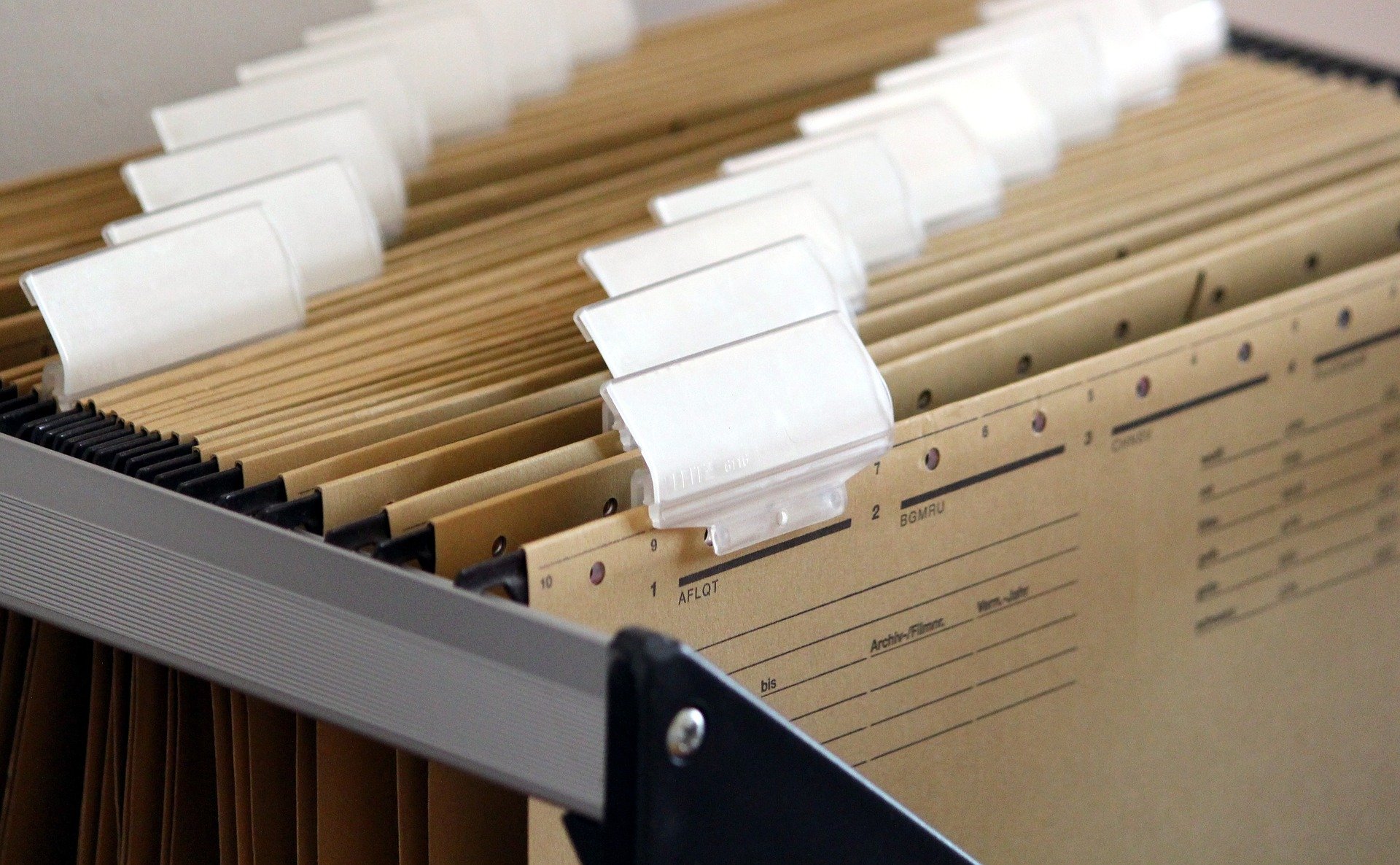
File Cabinet or Laundry Basket?
An article came through my inbox last week that got me thinking about the major shifts between how our students conceptualize information and its organization and the way that people in their 30’s and older usually comprehend it.
I’ve encountered “information paradigm shifts” with students before, of course. I’ve had to give up explaining authorized subject headings as index terms like the ones you find in the back of a book. I switched years ago to calling them the “official hashtags” of a database collection. I’ve also learned that the whole volume/issue/article structure of periodicals — and even the very concept of a periodical itself — is foreign in a world where newspapers and magazines have always been an amorphous collection of blog posts under a unifying letterhead.
But the idea of most students not understanding what a computer “file” is, or that it has a location on the computer, or that it is perhaps to your advantage to organize these digital files and folders, is a bit new. I’ve run into the issue before, but mostly with our adult-learner populations who struggle with other computer tasks, such as turning the machine on or off or navigating to their email. Our traditional-aged students grasped at least the basics of this “the file is somewhere” concept.
But according to “FILE NOT FOUND: A generation that grew up with Google is forcing professors to rethink their lesson plans” by Monica Chin, this is no longer the case.
Millennials and the generations before them think of computer organization in terms of hard drives, files, and nested folders. To our current students, Chin says, that’s a foreign paradigm. They’ve been keyword searching the cloud for documents throughout their educations. How do we explain that a digital file has a digital location, just as a physical book has a physical spot on a shelf? Or does the “one massive bucket with a really good search and retrieval system” idea make more sense in the long run?
As a librarian (albeit one who wept my way through Cataloging & Classification in grad school), I think there is significant value in file organization. Are we moving into a future where all that matters is well-applied descriptor terms and an algorithm that can crawl them at lightning speeds? Can a computer user even know what they have in their digital possession under this model? Will we lose the benefit of serendipity?
I’ve stumbled across long-forgotten documents that ended up being very helpful to a current project, thanks to my practice of hoarding documents and organizing them in nested folders. I’m very reluctant to relinquish that. But is it worth trying to convince our students of the value of such a system? I still think yes, but my gut feeling is that it’s going to go the other way in the long run.
Apply for CRD Professional Development Funding
Are you planning spring and summer workshops?
The Pennsylvania Library Association College and Research Division (CRD) is able to provide financial support to organizations within the Commonwealth that offer professional development programming of interest to Pennsylvania academic librarians through the Library Services and Technology Act (LSTA) funding from the U.S. Institute of Museum and Library Services (IMLS) and administered by the Pennsylvania Department of Education and the Commonwealth of Pennsylvania.
If your group is planning a meeting or workshop in Pennsylvania, you may submit an application to the College and Research Division for consideration.
The primary requirement for funding is that the event includes educational or professional development for academic librarians, and that organizers collect assessment information about the program to be provided to the Office of Commonwealth Libraries in quarterly grant reports. Amounts requested generally should not exceed $2000.
Please visit the CRD website for more information and to apply: https://crdpala.org/lsta/
Questions may be sent to crdpala@gmail.com.
Kind regards,
Carrie Bishop
CRD Professional Development Funds Manager
Censorship?!
Banned Books Week this year is from September 26 to October 2. Some of the books banned in the 21st century may surprise you. See the “Top 10 Most Challenged Books Lists” from 2001-2020. Locally, it strikes a chord because after nearly a year-long “review process” a ban on several books by a school district in York, PA has been rescinded.

The Central York School District’s imposed ban was focused on antiracist works and those written by people of color, including the story of the life of Pakistani activist for female education, and Nobel Peace Prize laureate, Malala Yousafzai, and children’s books about luminaries of the Civil Rights movement, Rosa Parks and Dr. Martin Luther King, Jr. The ban extended to a documentary about renowned 20th-century man of letters, public intellectual and activist, James Baldwin, and even an episode of Sesame Street.
In the last week both demonstrations and the final lifting of the ban made the national news. Many high school students and parents in the district opposed the ban, but it was the actions of one concerned citizen using social media which spurred the donation from across the country of copies of the books which were distributed publicly in celebration of them no longer being banned. To its credit the York County Libraries also contributed to the protest in the form of an official letter from their president denouncing the banning of books and audio-visual materials because they are on diversity, race, and racism.
The American Library Association provides varied resources and avenues for action for Banned Books Week. According to bannedbooksweek.org: “The event is sponsored by a coalition of organizations dedicated to free expression, including American Booksellers Association; American Library Association; American Society of Journalists and Authors; Association of University Presses; Authors Guild; Comic Book Legal Defense Fund; Foundation for Individual Rights in Education (FIRE); Freedom to Read Foundation; Index on Censorship; National Coalition Against Censorship; National Council of Teachers of English; PEN America; People For the American Way Foundation; and Project Censored. It is endorsed by the Center for the Book in the Library of Congress.”
Learning to Write as an Academic Librarian

Like many library school graduates, I found myself landing a faculty position with no real experience in participating in scholarly writing and publication. This kind of scholarly output is expected as part of the promotion and advancement process for many librarians, so if I was going to succeed, I had to figure out how to write something other than a paper for class. In my case, I’ve been teaching myself how to write by working on a literature review for the past two years. This experience has been something of a lab course in “How Scholarly Writing Works.”
The idea had started out as an annotated bibliography of library storage literature–a way to help other storage practitioners easily find articles relevant to the issues they were trying to address. I was quickly informed that “LibGuides are not research” (which made me laugh). Never mind the fact that I had never actually written a formal annotated bibliography before, much less one that could possibly be formatted as an article. So as I read and took notes over the next several months, I pondered over what form this article would take—how I could make this annotated bibliography something that contributed not only practically to my colleagues, but intellectually to the field.
After some time had passed, and I had written most of an annotated bibliography, I came across a literature review article by a colleague and suddenly realized this was a genre of article that existed. It was the ideal format to put my ideas into, especially if I compared the themes I saw in the literature today to those I saw in another similar annotated bibliography written in 1994*. That meant, of course, that I had to start rewriting my article, actually synthesizing and making conclusions based on what I had read for so many months, and not just summarizing what I had read. I scanned through other lit reviews and imitated what I had seen there, discerning the patterns in how their arguments were laid out and how they were formatted.
I definitely made some mistakes along the way. For example, my literature collecting was embarrassingly unsystematic, and I didn’t keep track of how I was collecting articles. For a month or so, I dropped the “comparison to the 1994 article” angle because I was convinced I would have to essentially re-do the work already done in that other article in order to do my comparison any justice. Finally, even when I thought I was synthesizing, I was still summarizing and had to delete a lot of my work all over again.
Through constant trial and error, however, I am nearing the end of this project. I’ve ended up learning a lot—not just about writing literature review articles, but the scholarly writing process as a whole. For example, I wrote out a fake proposal that forced me to think structurally about what I was writing and why. I started keeping a notebook of my writing efforts: making lists of what sections still needed writing, which needed synthesis; journaling to organize my thoughts and impressions on what I was learning. I also benefited from receiving feedback from my colleagues by joining our library’s writing group.
In my experience, I found success taking on the challenge of teaching myself to write scholarship by imitation—pretending I knew I what I was doing—receiving feedback from more experienced colleagues, and then revising my process until finally I actually do know what I’m doing. Like any skill, it took experimentation and practice. And several rough drafts.
*O’Connor, P. (1994). Remote Storage Facilities: An Annotated Bibliography. Serials Review, 20(2), 17–26. https://doi.org/10.1016/0098-7913(94)90026-4