TL;DR: Too Long; Didn’t Read
Many of us have likely heard about or observed the growing concern in higher education about disengagement from reading – novels or long works especially. If you’re interested in ways to support students’ reading comprehension, concentration, and even enjoyment, these opportunities may interest you:
- A Meaningful Inquiry webinar this week, “Making Reading Visible,” will discuss how reading habits and prior knowledge can support students’ engagement with complex disciplinary texts. It’s free and not limited to those affiliated with Ohio State. Learn more and register here for the Oct. 14 session.
- Earlier this month, the ACRL University Libraries Section Professional Development Committee hosted a webinar now available on YouTube: “The Role of Collection Development, Reimagined: Fostering Community and Building Engagement Through Extracurricular Opportunities” with presenters Jaycee Chapman and Christy Hogan from the University of Alabama at Birmingham. They engage with their campus community and promote their resources (and reading generally) with a book club and leisure reading collections. Student feedback is encouraged as a way to help develop a sense of ownership and connection with the library. The presenters also mentioned an article from the Journal of American College Health about the benefits of reading for college students.
So why does it seem like students are less engaged in reading – not just the usual “didn’t read the syllabus” situation – and what is the impact? The aforementioned journal article, a PBS interview with The Atlantic’s Rose Horowitch, and a terrific Conversation post dig into these questions, and reference additional resources as well:
Brown, J. and Sandbulte, S.R. (2026, 15 July). ‘Post-literate age’: Why fewer Americans are reading for pleasure. PBS. https://www.pbs.org/newshour/show/post-literate-age-why-fewer-americans-are-reading-for-pleasure
Levine, S. L., Cherrier, S., Holding, A. C., & Koestner, R. (2022). For the love of reading: Recreational reading reduces psychological distress in college students and autonomous motivation is the key. Journal of American College Health, 70(1), 158–164. https://doi.org/10.1080/07448481.2020.1728280
Sarat, A. (2026, 23 July). College professors face an emerging challenge: We know students are no longer reading entire books. The Conversation. https://theconversation.com/college-professors-face-an-emerging-challenge-we-know-students-are-no-longer-reading-entire-books-287928
As Horowitch notes in the PBS interview, “The bedrock principle in neuroscience is that you get good at what you practice and your brain adjusts to improve at the things that you spend time doing. And so if we are spending less time reading, as we know that we are, we are going to struggle much more to do it.”
In better news, book clubs and reading challenges for college students seem to be on the rise. Especially for rural campuses, these activities, along with access to leisure reading materials at their library, can keep avid readers engaged and provide opportunities to reach others looking for something to do. At our library, we are participating in a reading challenge (thank you for the inspiration, Eiche Library at Penn State Altoona!), trying to develop fun curated displays, and promoting the activities of the student-run book club. If you’ve found ways to encourage reading on your campus, please share them!
Do we want AI generated materials in our library collections?

Over the last year or so I’ve started to notice eBooks in my EBSCO subscription that are almost certainly AI generated. They come from lesser known publishers, the text has the technical but vacuous AI style, and the authors are as unknown as the publisher. I keep an eye out for these so that I can avoid them when buying new eBooks, but should I really have to do that? Shouldn’t companies like EBSCO be preventing AI generated texts like these from being a part in their offerings? I know AI use is going to be part of creating new material, but there needs to be some kind of quality control.
This problem has started to creep beyond no name publishers in EBSCO. Large companies like Springer and Elsevier have started to include “AI-based” works into their content. You can read more about this in the article “AI Slop Coming to a Library Near You” from Inside Higher Ed.
The article above concludes with a call for librarians to bring this problems up directly with vendors like EBSCO, which I know I’ll be doing. Nothing could do more to undermine trust in libraries than offering the same kind of AI junk that we caution students about.
“Sisyphus, take a seat”: Documenting practices, workflows, and decisions at your library
Join CRD’s Connect & Communicate Series for a Webinar on
“Sisyphus, take a seat”: Documenting practices, workflows, and decisions at your library
Tuesday, September 29, 2026 from 3:00 PM – 4:00 PM
Creating and maintaining robust documentation can feel like an arduous, intimidating prospect. However, without good, clear documentation, we often find ourselves contending with cyclical challenges, disconnected from institutional memory or valuable context.
This session will underscore the value of documentation practices, and share:
- Strategies to define what sustainable documentation might look like for your library;
- Ideas to socialize documentation practices;
- And suggestions on how to selectively integrate AI tools to conserve staff time and jump start the initial momentum.
Register at the following link: https://us06web.zoom.us/meeting/register/m3KL3XjbRWmDrzZIAfeZoA
Upon submitting your registration, you will receive an email confirmation that includes details about connecting to the webinar. This is the only notification you will receive. If you do not receive the confirmation email, please contact Elliott Rose at elliott.c.rose@gmail.com.
For this program, you will need speakers or headphones to hear the presenter. Participants are encouraged to ask questions via the chatbox; moderators will monitor the chatbox and facilitate question and response at the end of the panel discussion.
Please continue to share your ideas for programming topics, speakers, or formats with us! If you or someone you know is doing something great in Pennsylvania’s academic libraries, tell us about it! The Connect & Communicate Series of online programming offered by the PaLA College & Research Division aims to help foster a community of academic librarians in Pennsylvania. Please contact Elliott Rose at elliott.c.rose@gmail.com with questions.
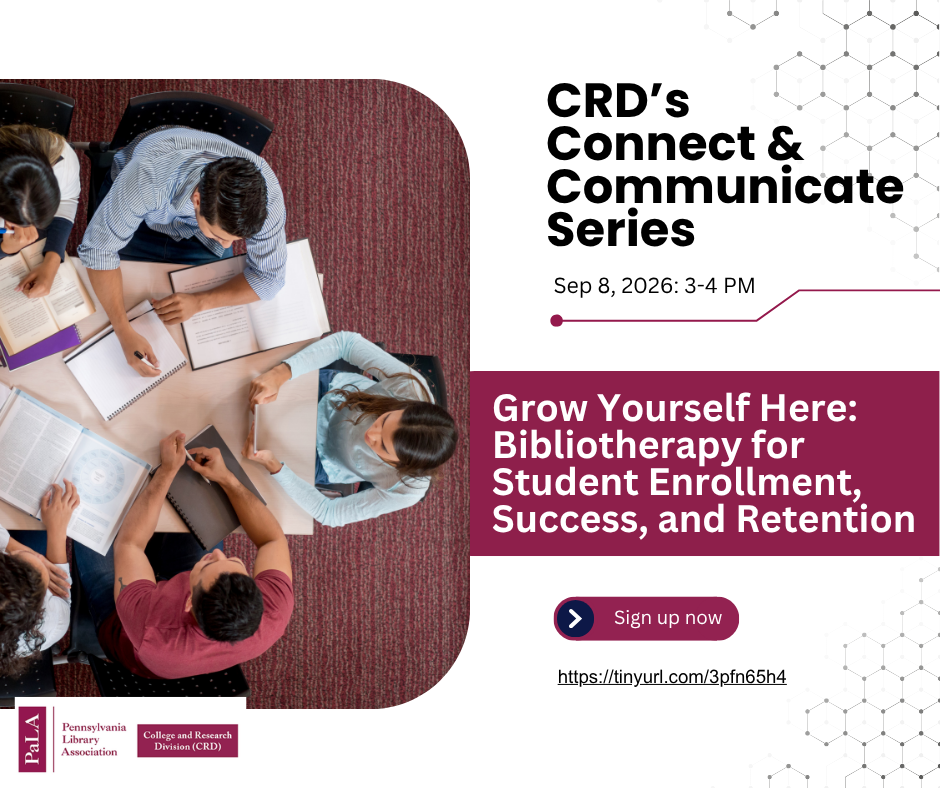
Connect and Communicate Series Presentation – September 8th
The CRD’s next Connect and Communicate presentation is happening on September 8th from 3 – 4pm. If you are interested, please register using the link below!
Let Books Be
Fall semester has its routines of the energetic (some say chaotic) start of term, a settling in leading up to midterms, cooler weather in time for the Thanksgiving holiday, and then an intense (some say stressful) atmosphere around finals. And every fall, around the beginning of October, libraries participate in Banned Books Week.
Banned Books Week is October 4-10, 2026 – which will be here in no time. This celebration of the freedom to read also draws attention to current and historical attempts to censor books. Libraries, educators, authors, booksellers, and readers participate in the effort to raise awareness about challenged and banned titles.
For 2026, the theme is “Let Books Be. Protect the Freedom to Read.” This freedom continues to be contested, with cases documented by PEN America and ALA’s Office of Intellectual Freedom. Book ban data and other resources are also part of the Banned and Challenged Books section of ALA’s website.
At our library, we typically put together a display and Instagram posts, including graphics from ALA and staff selections from historically challenged titles. We’ve also created decoupage bobcats with a banned books theme, which are placed around campus with other groups’ creations for homecoming events.
Academic libraries around the state have also marked past Banned Books Weeks with displays, posts, and programming. These examples from the past few years show what can be done with a little, or a lot, of effort:
- Displays: Duquesne, Susquehanna, Gettysburg
- Posts: Carnegie Mellon, Shippensburg, Community College of Allegheny County (LibGuide)
- Events/Collaborations: Penn State, Albright, Slippery Rock, Bucknell
Some librarians may be planning for their first Banned Books Week on the job. Others may have lost count of how much caution tape or brown paper wrapping they’ve used over the years. The importance of the freedom to read means that the work continues – for Banned Books Week, and year-round.


 Adam Balcziunas
 Alex K.
 Alexandrea Glenn
 Andrea Pritt
 aprilnkelley
 Ashley Purvis
 Bethann Rea
 blj13
blj13 Brendan Johnson
 Amanda Boyer
 Bret Stiffler
 Bonnie Powers
 Christopher Lemery
 clarewithers
 clblibrarian
 Kelly Clever
 Charlotte M. Johnson
 colemanluzerne
 CRD of PaLA
 crdvirtualjournalclub
 cre5314
 csgarth
 Erin B.
 danajkerrigancv
 denisewetzel1
 Darren G. Poley
 elm43
elm43 Heather Burychka
 James D'Annibale
 Annie Jansen
 Jill Hallam-Miller
 jennifercribbs
 Jenn Monnin
 Jen Hasse
 Jessica Showalter
 johnmeier1
 Julie Durci
 Kelly Safin
 Kim Karim
 Kristen Seikaly
 Kayla Van Osten
 Cecelia Lasley
 librarianjsmith
 Linda Neyer
 mabogino1
 Matthew McNelis
 Meg Massey
 Maggie Savidakis-Dunn
 Rebecca
 miskatoniclibrarian
 Maureen Bentz
 Michele G. Anfuso
 Nicole Miyashiro
 paulmcmonigle
 Rob Sieczkiewicz
 ronlmccoll
 Sam Bardarik
 shannahollich
 smartin592
 Ula Lechtenberg