Taking a moment for reflection as a librarian
My journey to librarianship has been indirect and not been very atypical of many other pathways to librarianship that I have encountered. Libraries were not my first stop in my journey of professional work. I have worked in banking, insurance, healthcare and of course education. I have worked with all age groups from interacting with toddlers and their families during story times in a preschool setting and I have worked with the elderly populations within a nursing home setting as a respiratory therapist. Within each of these workplace environments that lead to my role as a librarian, I have learned that people and my interactions with each of them have been the most important part of each my workspaces. It is this lesson that I have brought with me to the role of librarian . The people that I have met, interacted with and learned from in each of these workspaces, have in fact, helped me to develop into the librarian I am today. I have learned from my interactions with each of them that communication coupled with avid listening and clear language is helpful in any situation from answering questions at the reference desk to working with outside vendors and community partners . I have also learned that a little flexibility can go a long way. These learned lessons have proven themselves to be the most fruitful during these past few years of COVID . Most notably , I have seen the staff members of my library grow exponentially ( myself included ) as each of us learned that sometimes exceptions become the normal . Especially for our team in the case of quickly pivoting to learning how to create and conduct virtual instruction library sessions, digital tutorials and how to host weekly Zoom staff meetings to try and recreate the sense of togetherness we all missed from our forced distance. Over my time as a librarian , I have also learned that empathy reminds us all of our humanity and how important and mutually beneficial it is to stop , breath and lend a listening ear to learn about what might be happening in the moment with ourselves and with our fellow coworkers.
Thanks for reading and for taking this pause for reflection…
Marlowe B.
Call for Proposals: Pennsylvania Library Association College and Research Division Spring Workshop
Workshop Theme: Adapt and Evolve: What’s New in Your Library?
Description: Academic libraries are constantly adapting and evolving to meet the changing needs of our diverse patrons and communities. The pandemic continues to expose fissures in higher education and library employees have been working diligently to address issues as they arise. Perhaps your library has needed to create new policies or implement new services; maybe your library is designing new physical spaces to accommodate patron needs. As the course curriculum evolves, so do library instruction practices. On Thursday, June 2, 2022 at the Madlyn L. Hanes Library at Penn State Harrisburg, the College and Research Division (CRD) of the Pennsylvania Library Association (PaLA) will explore how academic libraries have adapted and evolved in new ways to meet the needs of our campus and community.
To facilitate this exploration, we are seeking proposals in a variety of formats that showcase your scholarship and/or your academic library efforts to engage your local campus community in new or reimagined ways. We encourage members to think creatively and share your experience with our academic library colleagues! Topics of interest include but are not limited to:
• Collaborations with non-library partners
• Diversity, Equity, Inclusion, and Accessibility outreach programs
• Evolving pedagogical practices in the library classroom
• New library collections, physical or electronic
• Supporting library employees and patrons with disabilities in new ways
• Universal Design in academic libraries
Proposals should broadly fit the theme of adapting and evolving and may relate to instruction, programming, collection development, library processes, or any other area your library supports.
Proposal Requirements: Proposals must include a title, an abstract of no more than 250 words, and 2-3 learning objectives. Please refrain from including identifiable information in your abstract and other materials to help ensure a blind evaluation. PaLA CRD members will be given preference in session evaluation and selection.
Submissions are due by Friday, April 15, 2022. Presenters of selected proposals will be expected to pay conference registration rates.
Submit your proposal here: https://pennstate.qualtrics.com/jfe/form/SV_8oaOTTeTB20mWuG
Workshop registration and additional conference information will be coming soon!
Questions? Contact Andrea Pritt at alp5088@psu.edu
Countering Misinformation/Disinformation in Your Community
As I imagine many of you do, I spend time thinking and reading about the ways in which misinformation and disinformation affect our society. For those unfamiliar with the distinction between the two terms, misinformation is simply false information, which may or may not have been intended to mislead; disinformation is false information which has been disseminated with the explicit intent to mislead readers. (The Debunking Handbook, mentioned in a previous It’s Academic! post, and dictionary.com have further discussion of the two terms.) As both the COVID-19 pandemic and the “Big Lie” about the 2020 election show, mis/disinformation have serious real-world consequences.
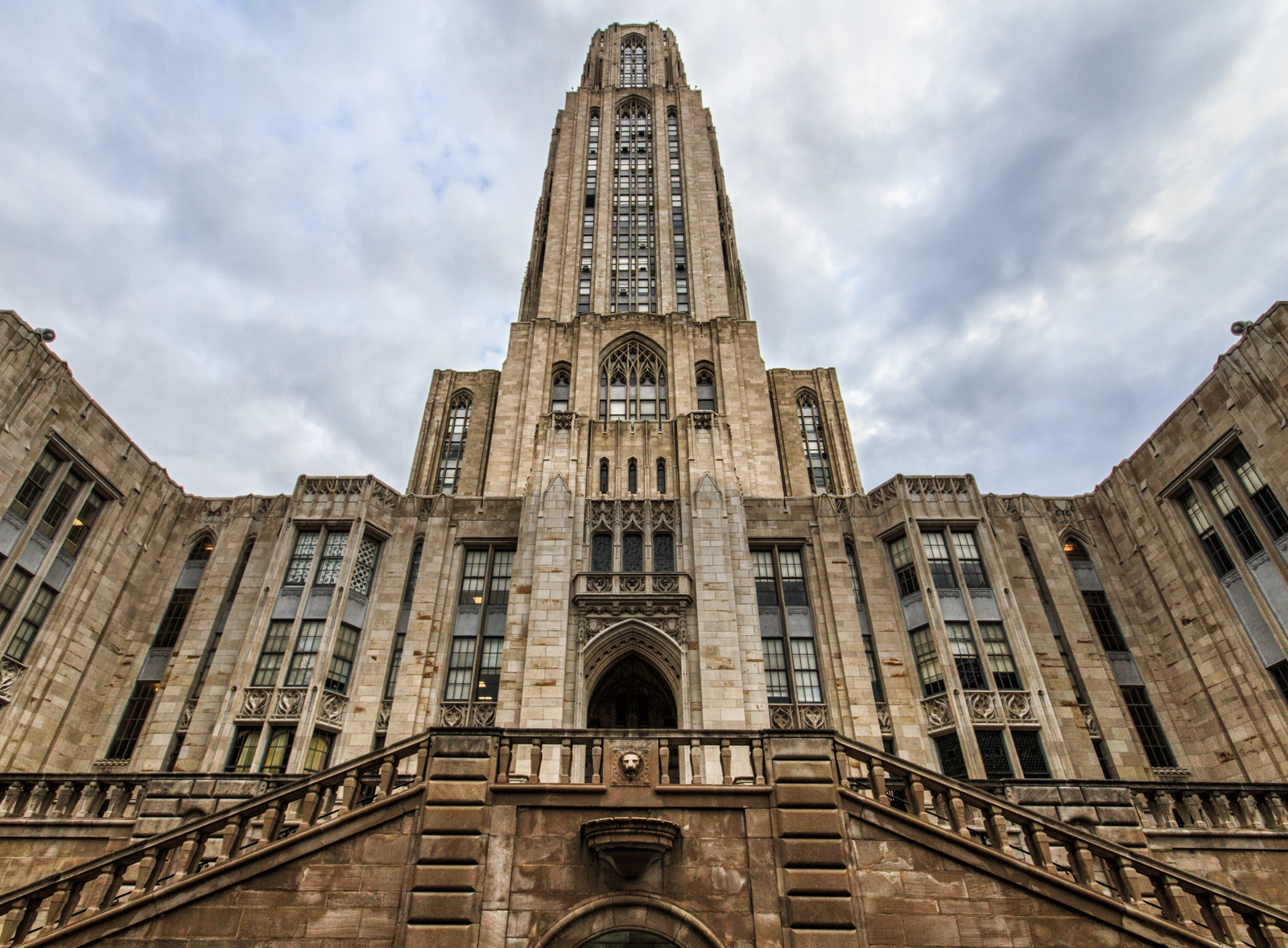
Given the scope of the problem and my professional zeal for providing correct information, I’m always seeking ways to help address it beyond my class instruction sessions. Last summer, an opportunity to do so appeared when the Pitt Disinformation Lab (PDL) was created. Since the PDL was founded in part by a Political Science professor and I’m the Political Science liaison, I’ve been fortunate to be involved in the PDL since the beginning. Like many other university centers and initiatives, the PDL is studying and countering mis/disinformation on social media platforms such as Facebook and Twitter. What makes the PDL novel, though, is our hyper-local focus on Western Pennsylvania and our face-to-face education of, and dialogue with, Pittsburgh community members. We’re seeking to understand residents’ entire information environment, both online and offline, to build civic resilience to disinformation.
I’m a member of a PDL subgroup that is focused on the community resilience efforts. The idea is to partner with existing community groups and leaders to strengthen local information ecosystems and develop knowledge and tools to fight disinformation. Currently, we’re having virtual discussions with members of Pittsburgh’s Homewood neighborhood over a period of seven weeks about disinformation and their local knowledge ecosystems. Our conversations have ranged from examination of local “news deserts” to examining the history of Black-owned media in our region. The next session, with two of our university librarians, will explore creating grassroots community narratives, particularly against narratives of neighborhoods that often focus on, as our participants put it, “only the negative.” These sessions will help inform our future partnerships, possibly including local public libraries.
My participation in the PDL has enabled me to broaden the library’s ties with the university and has enabled me to work with faculty members outside of my liaison areas. It’s been enlightening to learn how other disciplines understand the relevant issues and see how they fight mis/disinformation. However, I’ve also deepened existing relationships, particularly with the PDL co-lead, who is a History faculty member I’ve worked with for years in my role as a History liaison. Being a PDL member has enabled me to see a side of her work and interests that I perhaps would never have seen in my day-to-day liaison duties.
While your university may not have the capacity to create a large research center to study and address false information, there may be ways to do similar work on your campus. For instance, partner with faculty members in their disinformation research and education. If there are community groups or public libraries you’re in contact with, see if they’d be willing to host workshops or discussions. Our professional understanding of information ecosystems means we have a lot to contribute to the fight against mis/disinformation.
Taking Stock of Things: Shelf Reading in Storage
Here in Library Storage Land, we’re welcoming well over 100,000 new items into our stacks as part of a renovation at the main library. This move should be finished within the year, but that doesn’t mean the work is (all hail the long tail). After such a big move, I’d like to take stock of what we have in our facility by undertaking a large shelf reading or inventory auditing project.
Like any other active collection, library storage requires collection maintenance; it just looks different from reading call numbers and putting them in order. In our case, we call shelf reading “auditing,” which refers to the process of scanning each item barcode in a tray into our software, checking our actual inventory against what our software says we have. It doesn’t matter what order the books in, it only matters that the book is sitting in the tray its barcode has been assigned to. It’s a way to identify whether there are any gaps in our trays–either due to a missing book, a circulating book, or simply a tray we didn’t fill up all the way when shelving it. It’s also way to see whether a book has been reshelved in the wrong tray or whether a book somehow ended up in a tray without being entered into our software. With a collection of over 3 million items–most of which circulate–in an environment where items are sorted by size instead of call number, one incorrectly shelved book can mean that book being virtually lost until we stumble across it again. Performing regular audits is one such way to prevent such an end result.

Another key aspect of shelf reading in storage that makes it different from on-site shelf reading is the physicality of the facility. Not only do we have more of an inventory to look through than a typical on-site library, but most of our books are too high for a person to reach. Anyone who wants to participate in an auditing process needs to be certified in operating an order picker, which can potentially rule out the use of temporary employees and student workers. Instead of pulling out books lined up side by side, we have to pull each tray (which are shelved two or three deep) from the shelf and scan each book. This means more time and physical exertion is required. So, keeping all that in mind, such a project can take a very long time to complete, which is why it’s prudent to be intentional about it.
I am currently working on prioritizing individual shelves using the following criteria: how long ago were these items accessioned, which shelves had problem items when we made the switch from a homebrew inventory management software to CaiaSoft, and which shelves are we most often pulling from to fulfill requests. Talking to our operations manager, who has a great deal of institutional knowledge, I can also identify shelves that are already known to be error-prone areas. I will have to work with our technical services department and the rest of my team to develop a process for fixing any errors that the auditing may reveal. After these shelves are audited and fixed, our facility may be able to transition out of project mode to the practice of auditing randomly generated shelves as routine maintenance.
When our inventory is accurate and responsive, we can provide quicker and better service to our patrons. Auditing in storage, however, requires much more involvement than typical shelf reading, and therefore requires special considerations. I hope to be able to write another post a year or two from now letting you all know how it went!
CRD Virtual Journal Club
We are excited to share the selected reading for the second session of the Spring 2022 series of the Virtual Journal Club, sponsored by the College & Research Division of the Pennsylvania Library Association!
Our second session focused on inclusive libraries will take place on Thursday, March 17th at 2:00. We will read and discuss: Simms, S., & Johnson, H. (2019). Subtle activism: Using the library exhibit as a social justice tool. Alexandria, 29(1-2), 130-144.
Contact me at akirby@pennhighlands.edu if you’d like to join us in our Zoom discussion of this article.


 Adam Balcziunas
 Alex K.
 Alexandrea Glenn
 Andrea Pritt
 aprilnkelley
 Ashley Purvis
 Bethann Rea
 blj13
blj13 Brendan Johnson
 Amanda Boyer
 Bret Stiffler
 Bonnie Powers
 Christopher Lemery
 clarewithers
 clblibrarian
 Kelly Clever
 Charlotte M. Johnson
 colemanluzerne
 CRD of PaLA
 crdvirtualjournalclub
 cre5314
 csgarth
 Erin B.
 danajkerrigancv
 denisewetzel1
 Darren G. Poley
 elm43
elm43 Heather Burychka
 James D'Annibale
 Annie Jansen
 Jill Hallam-Miller
 jennifercribbs
 Jenn Monnin
 Jen Hasse
 Jessica Showalter
 johnmeier1
 Julie Durci
 Kelly Safin
 Kim Karim
 Kristen Seikaly
 Kayla Van Osten
 Cecelia Lasley
 librarianjsmith
 Linda Neyer
 mabogino1
 Matthew McNelis
 Meg Massey
 Maggie Savidakis-Dunn
 Rebecca
 miskatoniclibrarian
 Maureen Bentz
 Michele G. Anfuso
 Nicole Miyashiro
 paulmcmonigle
 Rob Sieczkiewicz
 ronlmccoll
 Sam Bardarik
 shannahollich
 smartin592
 Ula Lechtenberg